
CAR & BIKE
2026.11.04
【Autumn Drive】Just plug it into the car navigation system! No settings required, and your smartphone screen becomes huge
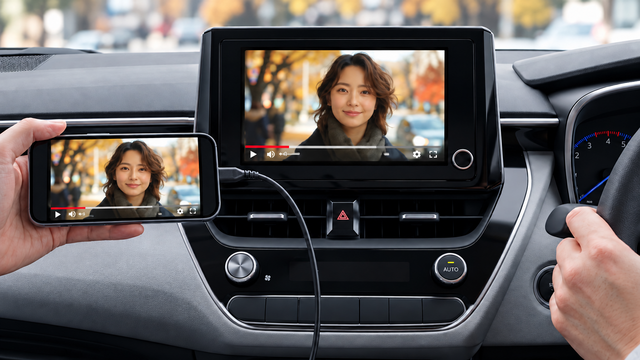
When you're on a drive and want to watch videos flowing on your smartphone with everyone. If the video becomes large, everyone can see it easily. Try enriching your in-car entertainment experience with a Type-C dedicated HDMI conversion cable.
Viewing smartphone videos on a large screen
During the autumn outing season, opportunities for families to take road trips increase. If you're going to enjoy videos, you'll want to share the same visuals with everyone.
This is where the "USB Type-C → HDMI Conversion Cable 2m KD-293" from Kashimura comes in. It's an item that allows you to project your smartphone's screen onto a car navigation system or television.
This is where the "USB Type-C → HDMI Conversion Cable 2m KD-293" from Kashimura comes in. It's an item that allows you to project your smartphone's screen onto a car navigation system or television.
No app required! Just plug it in for 4K output
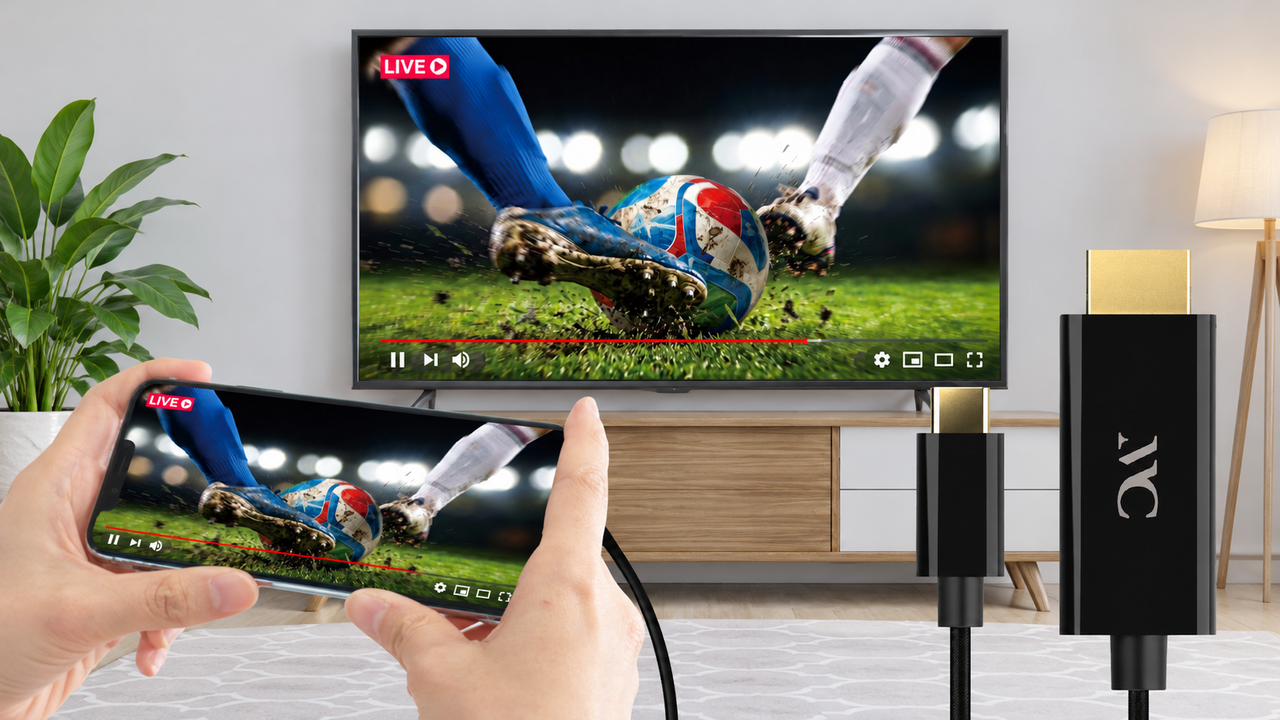
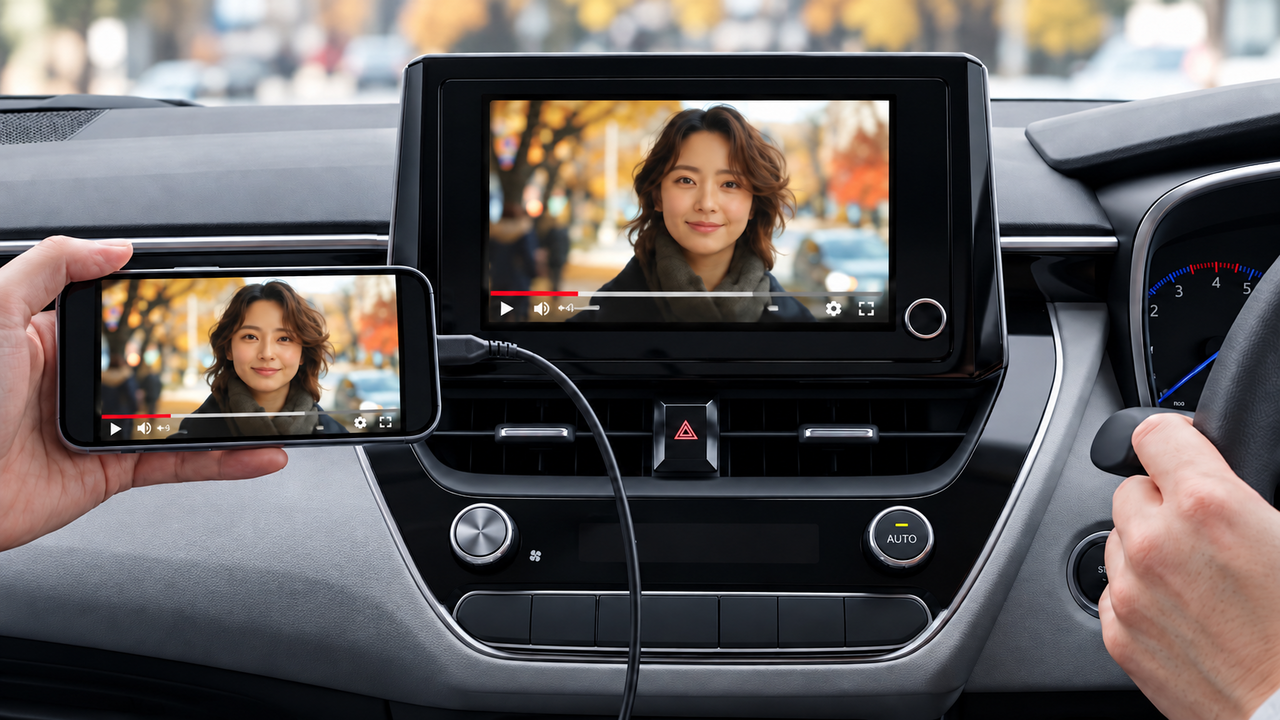
What attracted me was that neither a dedicated app nor complicated initial setup is required. You can simply connect a compatible smartphone to a car navigation system or TV with an HDMI input, and it will project the smartphone's screen onto a larger display. This is likely to be a very appealing point for those who are not good with operating machinery or making connections.
Despite its ease of use, video output supports up to 4K/30Hz. If you have a compatible TV, you can enjoy high-definition visuals. Besides watching movies and sports, it’s also nice to look back at photos taken during your travels with the family. Sharing travel memories on a large screen is sure to spark great conversations.
Despite its ease of use, video output supports up to 4K/30Hz. If you have a compatible TV, you can enjoy high-definition visuals. Besides watching movies and sports, it’s also nice to look back at photos taken during your travels with the family. Sharing travel memories on a large screen is sure to spark great conversations.
The approximately 2m cable is also useful while traveling.
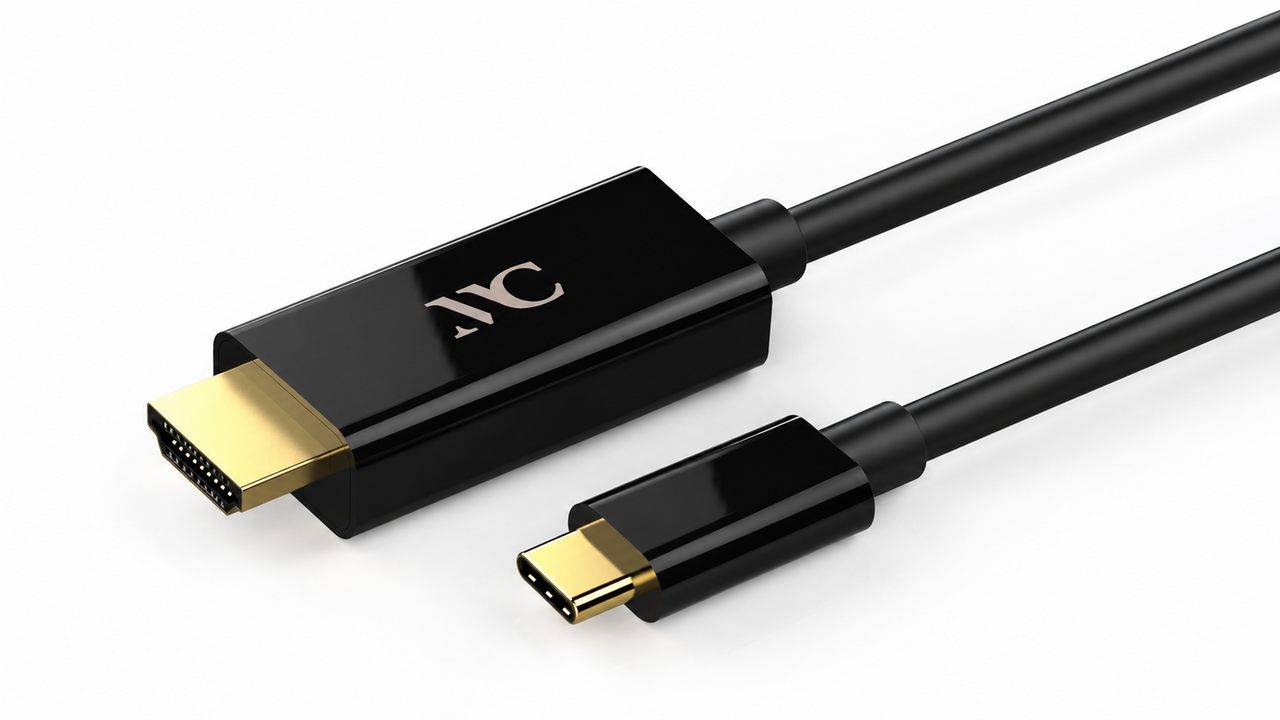
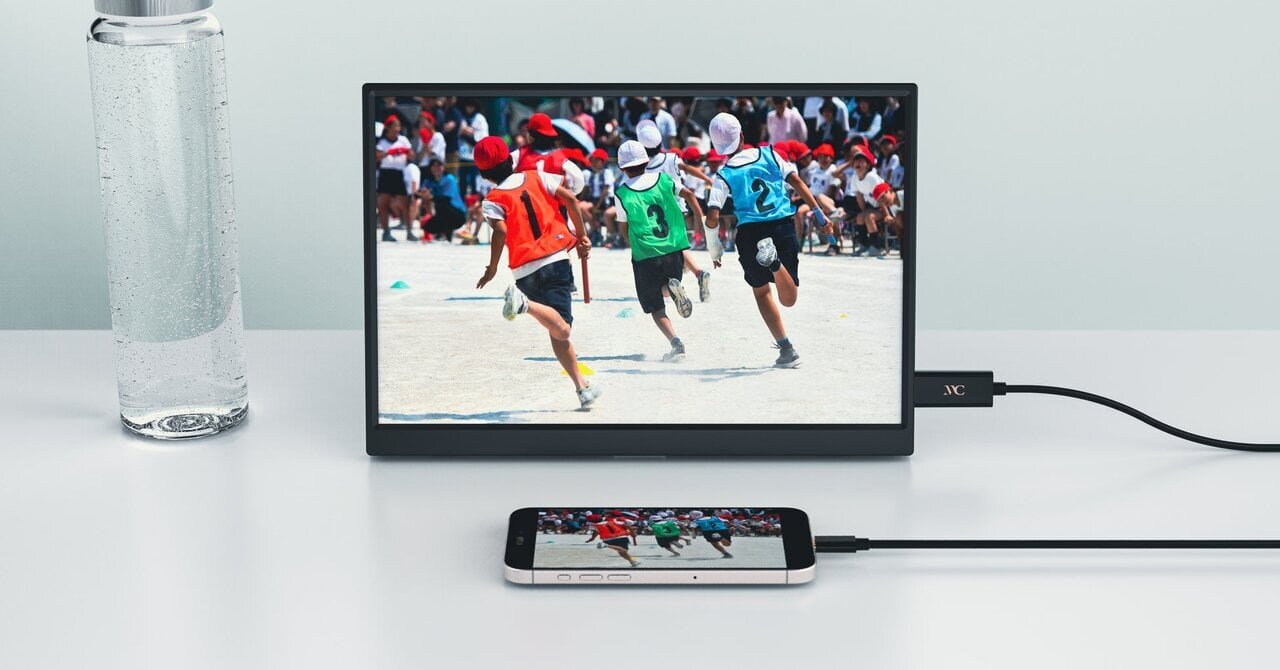
The cable length is approximately 2m. It's a length that is easy to handle when connecting a car navigation system and a smartphone in the passenger seat. The main unit weight is just 65g. It doesn't take up much space when packed in a travel bag, making it convenient for business trips or vacations.
If the hotel TV has an HDMI input terminal and an environment that allows for external input, you can enjoy your smartphone's video on a large screen. You can look at photos taken during your trip or watch missed sports matches. Just having one expands your possibilities for enjoyment.
If the hotel TV has an HDMI input terminal and an environment that allows for external input, you can enjoy your smartphone's video on a large screen. You can look at photos taken during your trip or watch missed sports matches. Just having one expands your possibilities for enjoyment.
A must-have item for family trips
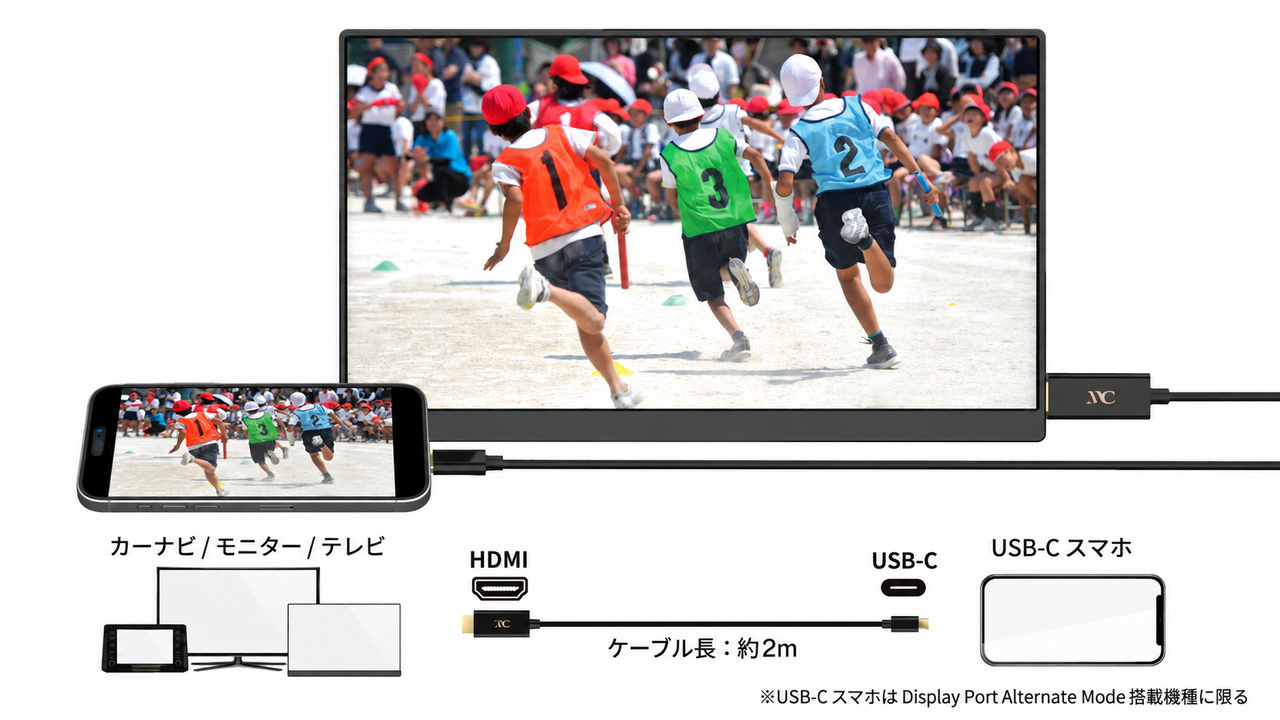
Before purchasing, it’s essential to check the compatibility between your smartphone and the connection destination. The smartphones that can be used are those equipped with a USB Type-C port and support video output via DisplayPort Alternate Mode. Examples include the iPhone 15 series and Galaxy S series, but some models are not supported.
While it supports HDCP, depending on the video streaming service, there may be cases where video cannot be displayed. You need an HDMI input terminal on the car navigation side, so be sure to check that in advance. It’s also important that the driver does not focus on the screen while driving. It's best to stop in a safe place and enjoy together with the whole family.
Product name / Kasimura USB Type-C → HDMI Conversion Cable 2m KD-293
Price / 2780 yen
Maximum resolution / 4K, 30Hz (2160p)
Cable length / approximately 2m
Weight / 65g
Color / Black
●Kasimura
While it supports HDCP, depending on the video streaming service, there may be cases where video cannot be displayed. You need an HDMI input terminal on the car navigation side, so be sure to check that in advance. It’s also important that the driver does not focus on the screen while driving. It's best to stop in a safe place and enjoy together with the whole family.
Product name / Kasimura USB Type-C → HDMI Conversion Cable 2m KD-293
Price / 2780 yen
Maximum resolution / 4K, 30Hz (2160p)
Cable length / approximately 2m
Weight / 65g
Color / Black
●Kasimura
- SHARE



 FASHION
 OUTDOOR
 WATCH
 CAR & BIKE
 SNAP
 DINING
 LIFE
 GADGET
 GOLF